Ask a school a question on its website
Available on every plan
How to ask Sunny about a school, request a tour or send a question from a Clear Day school website, and what happens next.
If a school's website is built on Clear Day, you can ask it a question, request a tour or leave your details without an account.
Ask Sunny
Tap Ask in the page header, Ask about this on a section, or the round button that follows you down the page. The Ask about the school sheet opens.
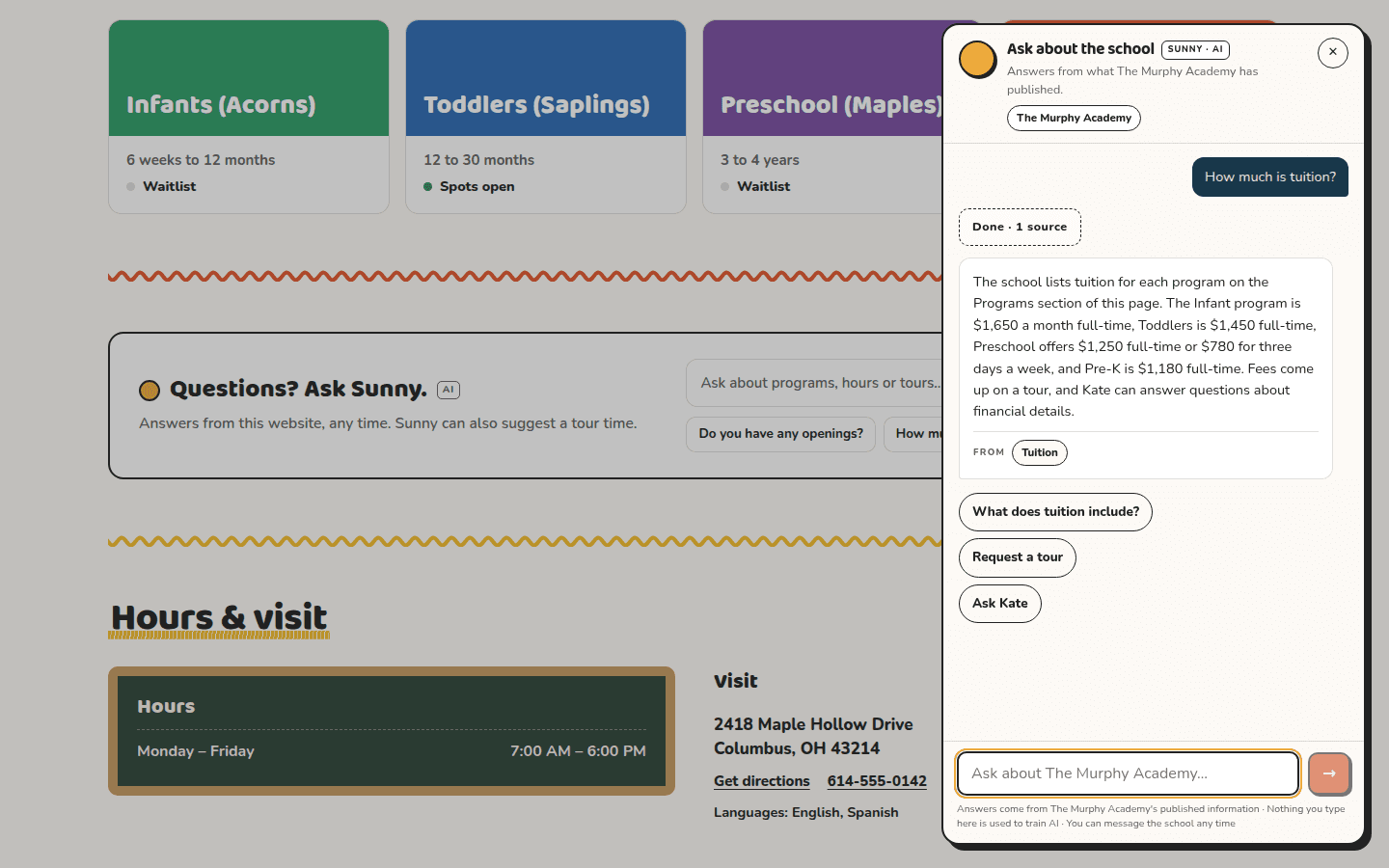
Sunny is AI, and its answers are marked Sunny · AI. It answers only from what the school has published. You can tap one of the suggestions under Parents usually ask, such as "How do I book a tour?", or type your own question.
Each answer shows where it came from. Tap a source to jump to that part of the page. Sunny doesn't know anything about your child, so for that, message the school.
If the school hasn't published an answer, the sheet says Not on the website · the school can answer. It shows the closest published line and offers to send your question to the school.
Nothing is sent until you confirm
Sunny never sends anything on its own. When you want to request a tour, join a waitlist, send a message or ask for a call back, it drafts a card marked Not sent. You choose when it goes:
- Fill in what the card asks for. That's usually your name, email and, if the school wants one, a phone number.
- Press the button once, then press it again to send. The card reads Armed in between, so you can back out.
- The card turns to Done when it's sent.
Not now dismisses a card. For a tour, you can also add the requested time to your calendar.
Request a tour or send a question from the page
Near the bottom of the school's page, Come see us has two tabs.
- Book a tour. Pick a time under Pick a time to visit, or choose Another time and say what works for you. Tap Continue, add your name, email, your child's age and when you'd like to start, then tap Request a tour.
- Ask a question. Add your details and your question, then tap Send question.
A tour time is a request, not a booking. The school confirms by email or phone.
When Sunny isn't available
If the assistant can't answer right now, the sheet switches to a plain form: Leave your details and the school will reply. It goes to the same inbox.
What happens next
The school replies to you directly. The form says the school only uses your details to reply about enrollment, with no newsletters.
Related articles
Last updated on